 Crustify

Image tools
Convert formats
Convert to PNG
File tools
Open Compress
Start dragging, then tap a key. The wheel stays open until you drop. Change the keys in Settings.
JPGPNGin one drag, right where the file is
Everything happens on your PC. Nothing is uploaded.
Across images, video, audio, PDFs, documents, spreadsheets and archives.
Compress, crop, trim, split, merge, redact and more.
Share, Float, Copy, Move, Copy path and Terminal.
Start dragging, then tap a key. The wheel stays open until you drop. Change the keys in Settings.
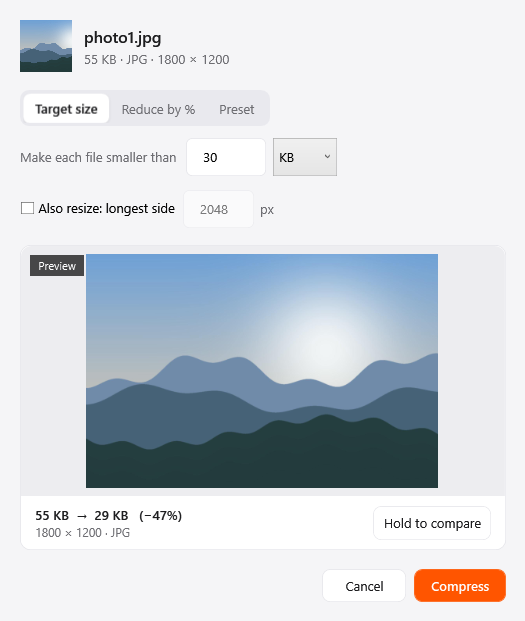
Shrink photos with a preset, a percentage or a target size, and hold to compare against the original before saving.
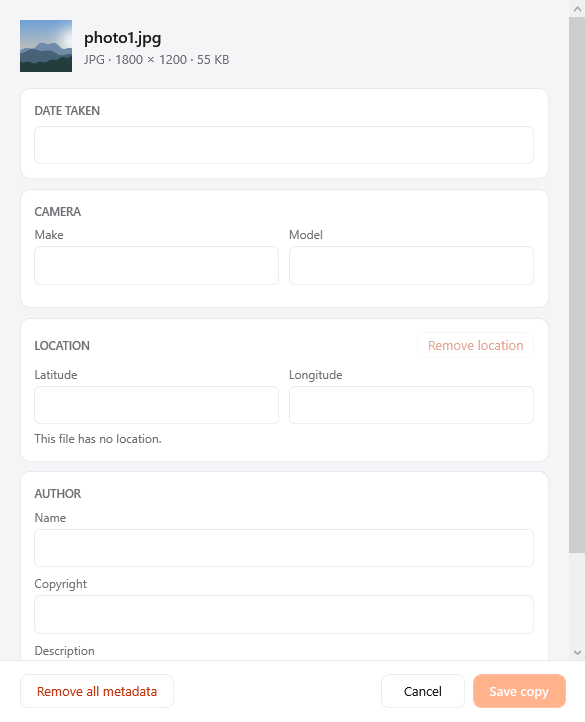
See and edit camera, date and location details, or strip them all, so a shared photo says only what you want.
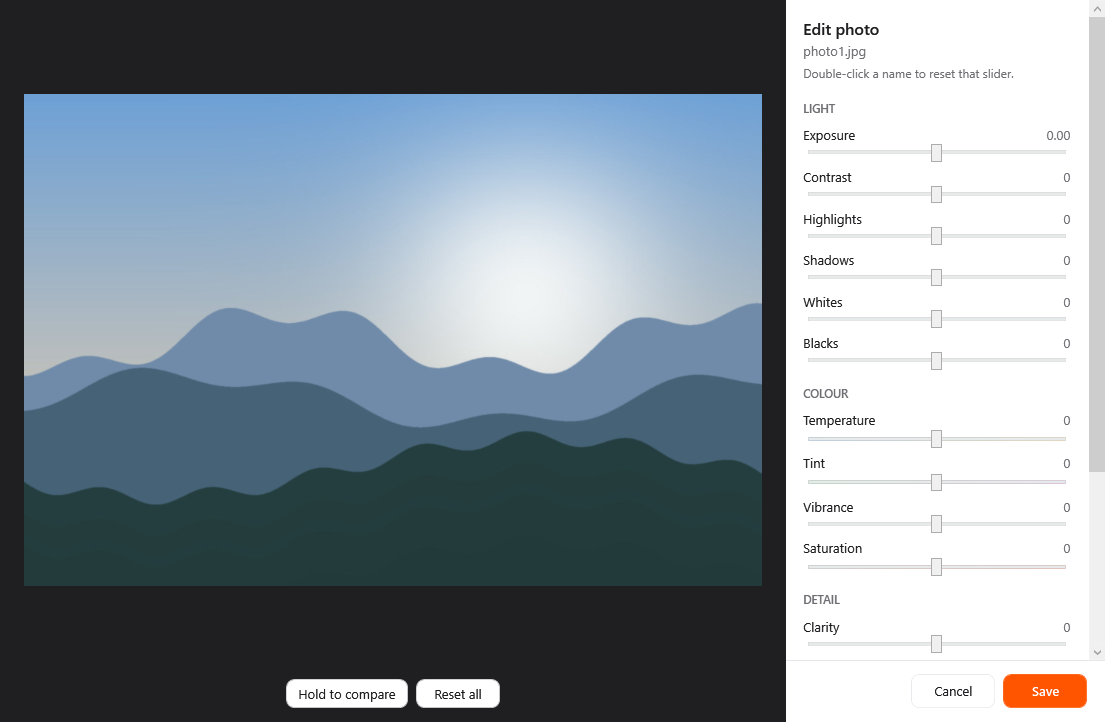
Adjust exposure, contrast, colour, clarity, vignette and grain with live sliders, then hold to compare with the original.
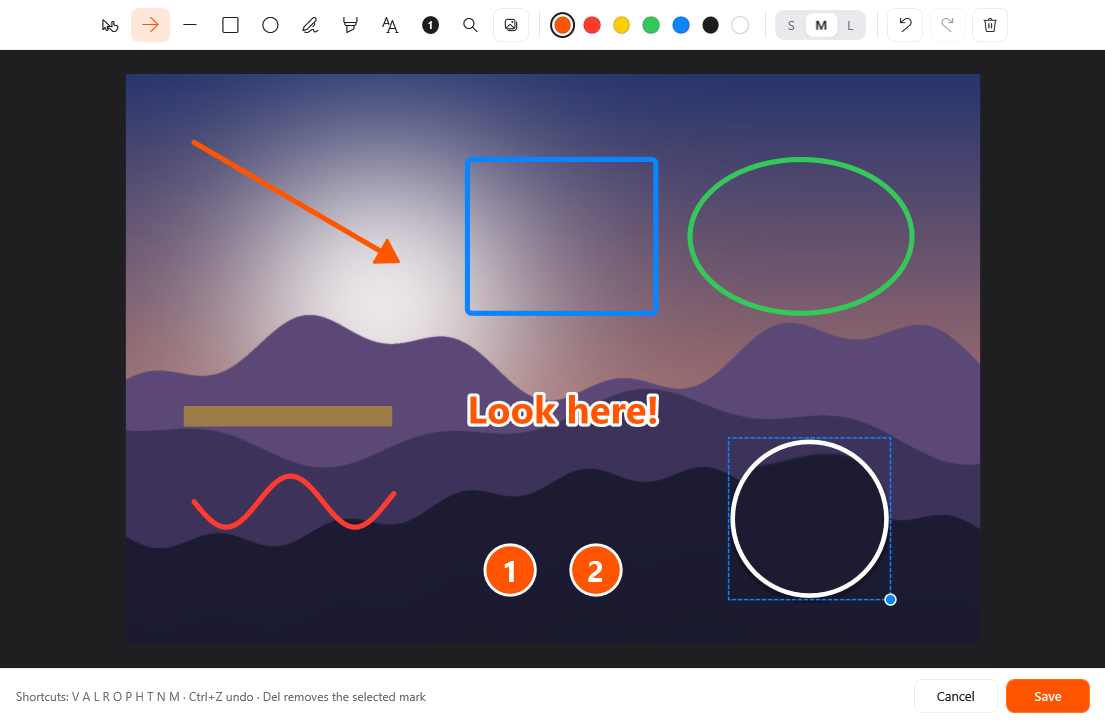
Point at what matters: arrows, shapes, text, numbered callouts, a magnifier, a pen and a highlighter for any photo or screenshot.
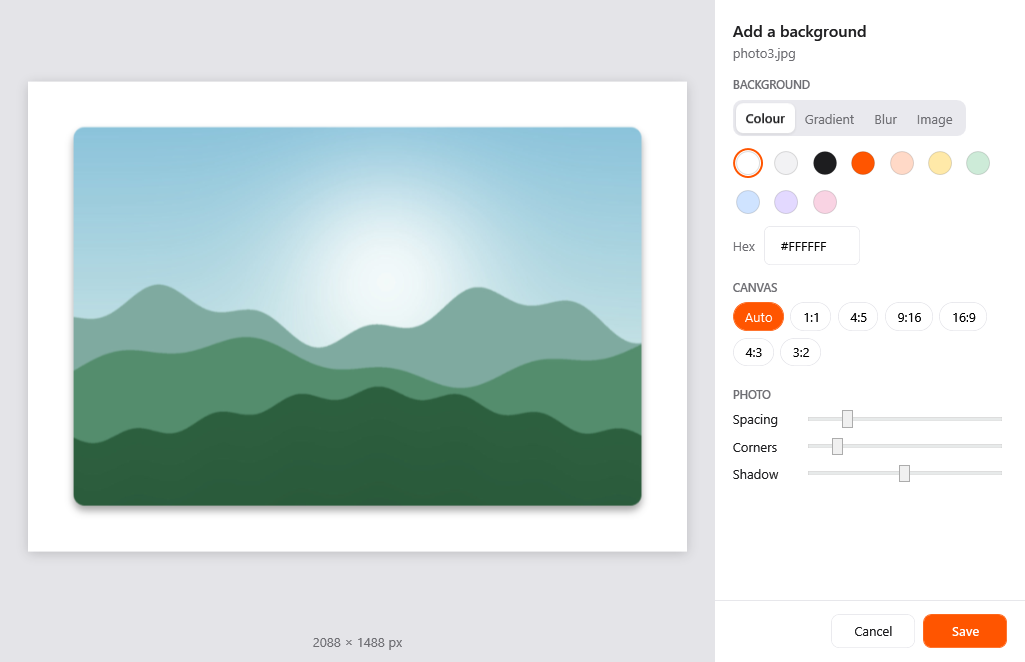
Put a screenshot or photo on a colour, gradient, blurred backdrop or image, with spacing, rounded corners and a shadow.
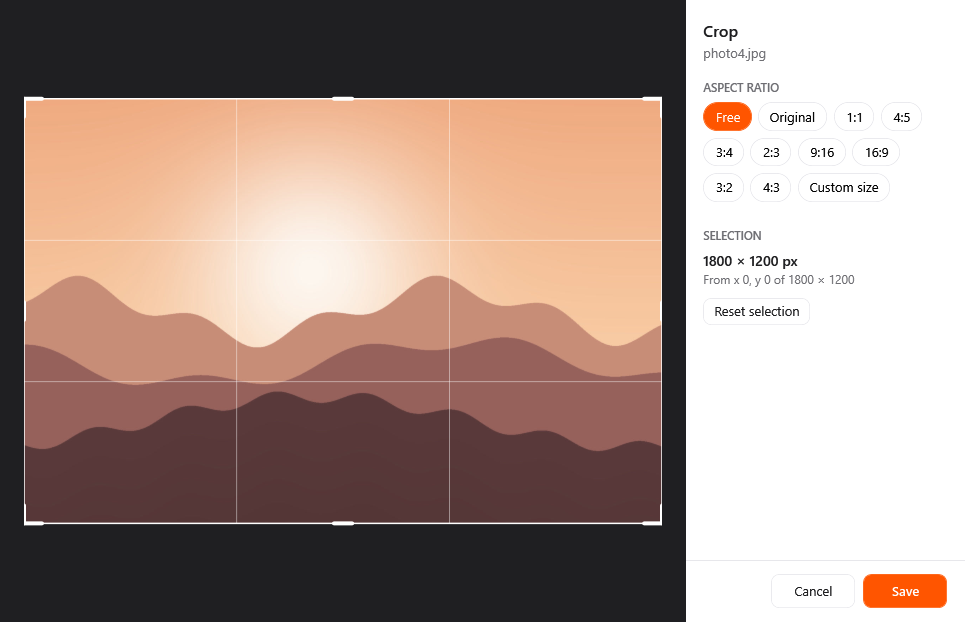
Crop one photo or a whole batch to the same aspect ratio or exact pixel size, each with its own framing.
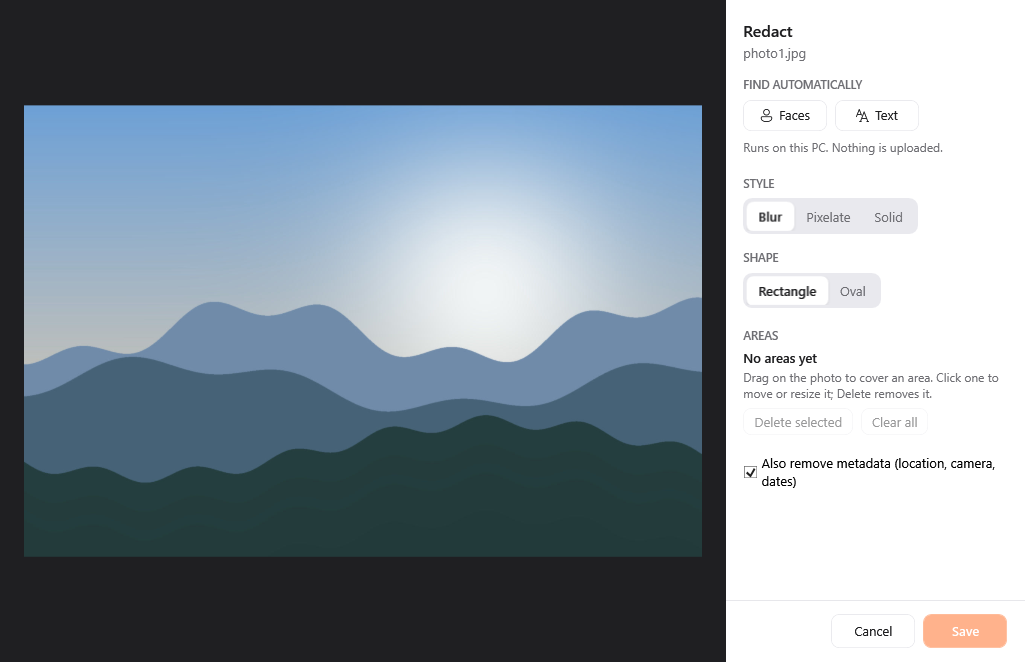
Cover faces, text or any area with blur, pixelation or solid colour; Crustify can find faces and text on its own.
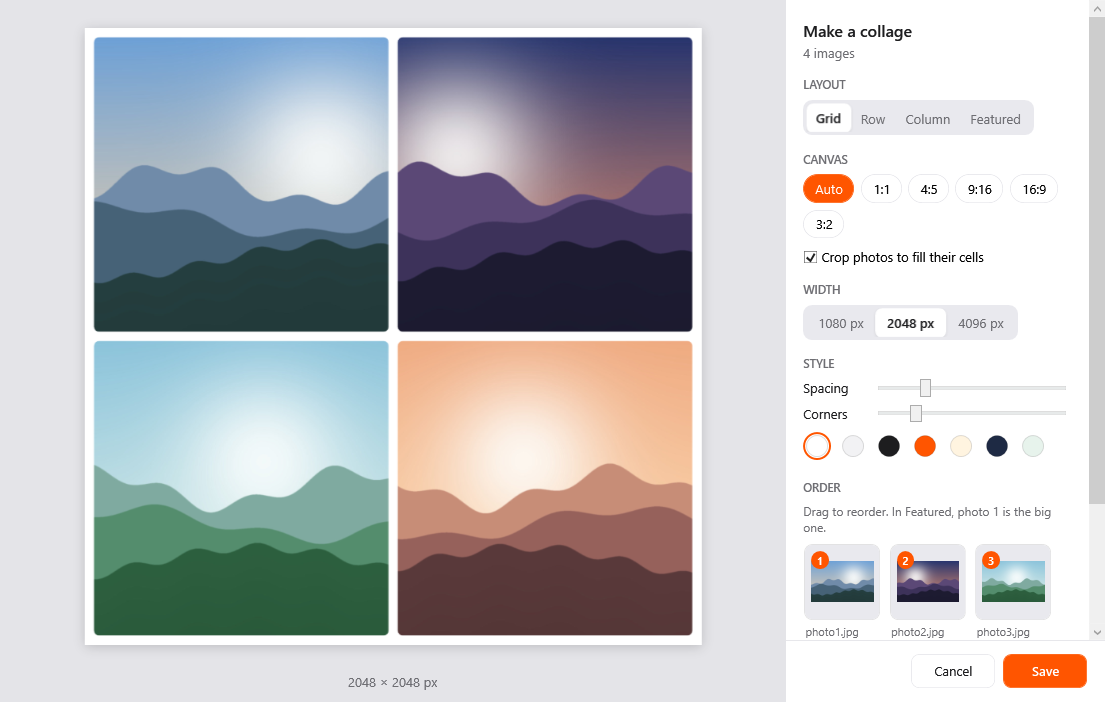
Arrange several photos into one picture as a grid, row, column or featured layout, with spacing and rounded corners.
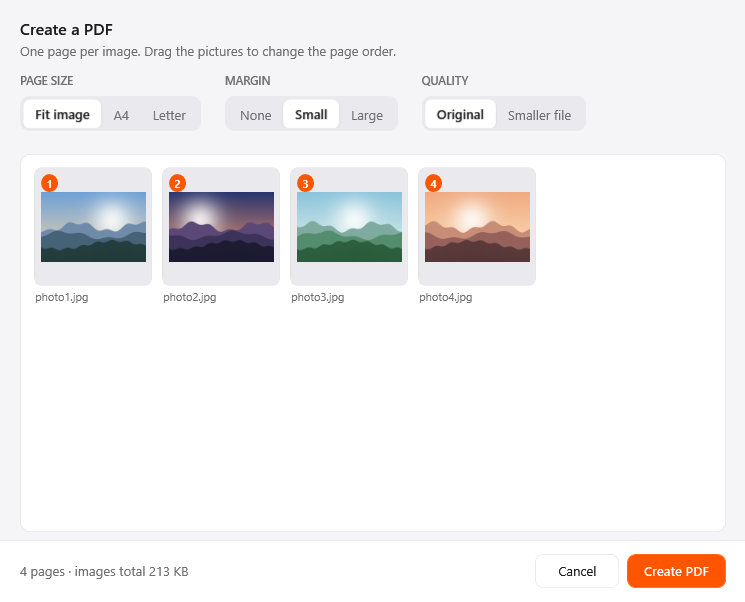
Turn several images into one PDF, a page per image, in the order you choose, on A4, Letter or original size.
Drag any file or folder, then tap Alt.
Send files with the Windows share sheet, to Nearby Sharing, mail or any app that accepts them.
Park files on a small shelf that floats at the edge of your screen, then drag them into any app later.
Put the files on the clipboard, ready to paste into a folder, an email or a chat.
Pick a folder and move the files there, with Windows' own progress window and replace-or-skip questions.
Copy the full path of each file as text, one per line, for scripts, emails or support tickets.
Open Windows Terminal or PowerShell right in the file's folder, so you can start typing commands straight away.
Works with folders, mixed selections and files that have no conversions.
JPGPNGWEBPHEICTIFFAVIFBMP
PDF export · SVG input onlyMP4MOVMKVWEBMAVIWMVGIF
MP3 export (just the sound)MP3M4AWAVFLACOGGOPUSAIFFWMA
PDF →JPGPNGTXTMDEPUBDOCX
Every page as an image · Word needs Microsoft WordDOCXMDTXTHTML
PDF export with Microsoft WordPPT / PPTX →JPGPNGPDF
Needs Microsoft PowerPointXLSXODSCSVTSV
CSV ↔ TSV without Excel · PDF exportEPUB
SRTVTT
TXT exportZIPTARGZ
RAR and 7Z extract onlyLightweight
Crustify waits in the tray all day, so it uses almost nothing until you need it, and gives memory back when you're done.
Measured on Windows 11 with 16 GB of RAM. Task Manager's Memory column and private bytes, 30 seconds after start.
Privacy
Most converters are websites. Crustify is an app, so the work happens on your own computer.
Questions
Yes. Download Crustify and use everything free for 7 days, with no key or card. After that, converting and the tools need a licence key; file actions like copy, move and share stay free.
Windows 10 and Windows 11, 64-bit. It sits quietly in the tray and uses about 3 MB of memory while idle.
Yes. Every conversion and tool works without a connection. Crustify goes online to activate your key, then quietly confirms it about once a month when you happen to be online. It only asks you to connect if it hasn't been online for three months.
Two. One licence covers you on up to 2 PCs. Moving to a new one? Remove the old PC in Crustify's Settings, or email us and we'll free the slot.
Yes. Email suyashpadole715@gmail.com within 14 days of buying and we'll refund you in full. No forms.
Only for some conversions: documents to PDF, PowerPoint slides, Excel spreadsheets, and old .doc and .xls files. Crustify uses your installed Office for those. Everything else works without it, including DOCX to Markdown, PDF to Word and CSV to TSV.
Get Crustify
Pay once, keep it for life. Crustify runs on Windows 10 and 11, right from the tray.
Not sure yet? Download the free 7-day trial, no key or card needed.
Windows 10/11 · 64-bit · works offline
Price in Indian rupees. Pay by UPI, card or netbanking through Cashfree.